
The Multilingual WhatsApp Struggle: How to Transcribe Voice Notes Without Losing Your Mind
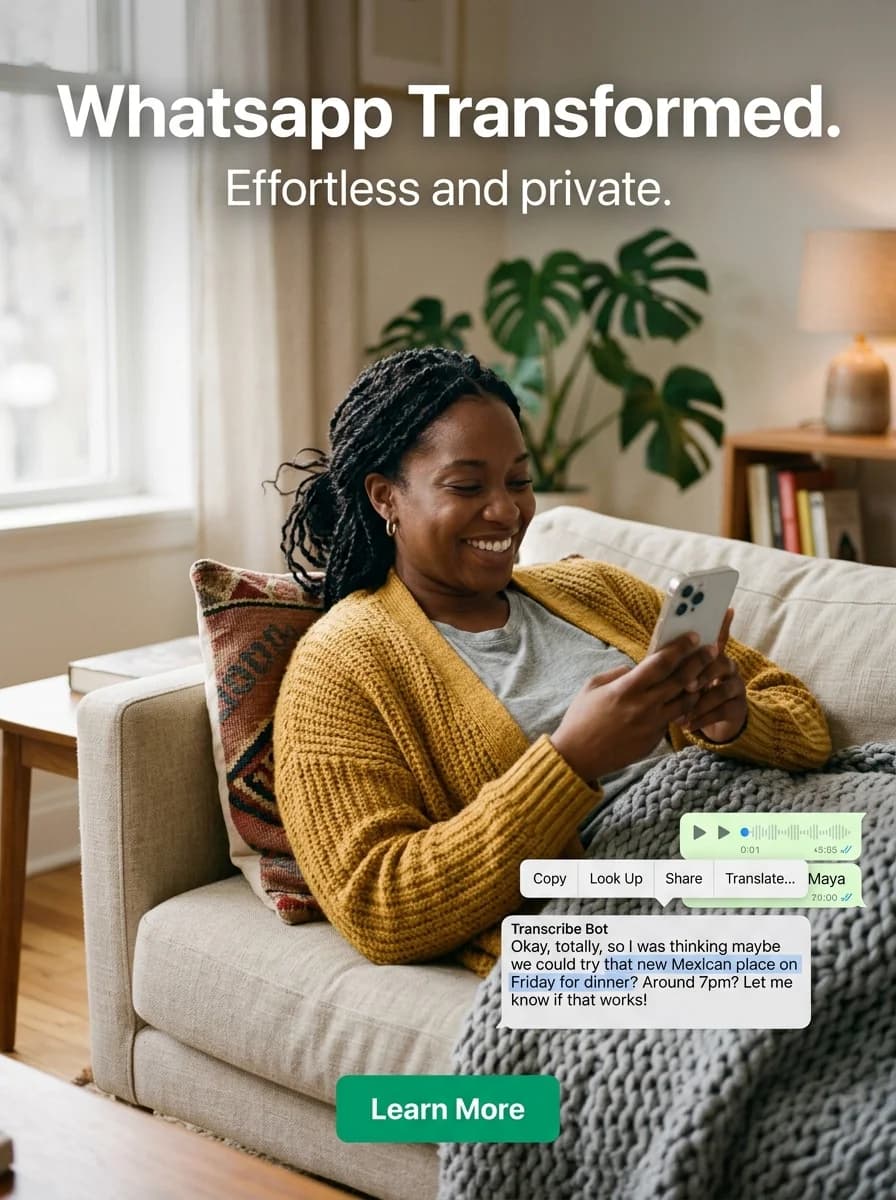
TL;DR: WhatsApp's native transcription supports only a handful of languages and fails on code-switching. If your chats mix Arabic, Spanish, French or more, forward voice notes to a transcription bot that handles 30+ languages and get the text back in the same chat within seconds.
voice notes are a blessing for the person sending them, but a total curse for the one receiving them. Picture this: you're sitting in a quiet, important business meeting, or maybe a loud crowded cafe, and your phone buzzes. It's a three-minute audio message. If your life is anything like mine, you aren't just dealing with one language either. Maybe you talk to your clients in Arabic, your partner in Spanish, and your college friends in French.
Juggling a multilingual life on WhatsApp is exhausting enough, but trying to listen to audio messages while on the move makes it worse. Text is just so much easier to skim, search, and reply to when you have a minute. But when your chat history looks like a linguistic map of Europe, getting a fast, accurate voice message transcription feels almost impossible.
The Big Letdown with Native WhatsApp Voice Message Transcription
You might have heard that WhatsApp is rolling out its own built-in feature to handle this. Sounds great on paper, right? Well, here is the catch. The biggest issue with the native WhatsApp voice message transcription tool is that it forces you to pick one single language. If your phone settings are dialed in for English, the second your Italian cousin or German supplier sends you an audio note, the built-in system turns it into absolute gibberish. it completely lacks the flexibility you actually need when switching back and forth between different languages in a fast-paced day.
The Problem with Traditional WhatsApp Audio to Text Workarounds
Because the built-in tools are so limited, people usually resort to a couple of different workarounds, but honestly, both of them come with a ton of annoying friction:
- Clunky Third-Party Apps: There are plenty of standalone apps that promise WhatsApp audio to text conversion. But the workflow is a nightmare. You have to long-press the audio, click export, find the app in your sharing menu, open it, and wait. It completely kills the flow of your conversation.
- Copy-Pasting into AI Tools: Some people copy the audio files out of WhatsApp and upload them into general AI tools on the web. Sure, the AI is smart, but doing that on a tiny mobile screen while running errands? No thanks.
We all know artificial intelligence has gotten incredibly good at understanding accents, slang, and messy background noise. But a great AI model is less relevant if it takes five steps just to get your audio clip into it.
Enter Transcribe-Bot: The Easiest Multilingual WhatsApp Transcription
This is exactly why transcribe-bot.com was built. Instead of making you install heavy software, configure settings, or leave your chat window, it brings the tech right inside your favorite messaging app. When you recieve an audio message, you literally just forward it to the bot. It replies in the same chat with a text transcription. Processing time and accuracy depend on the recording.
The real magic here is how it handles multilingual WhatsApp transcription. You don't have to tell the bot what language the audio is in. Powered by advanced, context-aware AI, it figures it out automatically. It doesn't matter if the voice note is in Spanish, Arabic, or a weird mix of English and Spanglish—the bot just gets it right without you changing a single setting. It is a semless experience for anyone who speaks more than one language daily.
🚀 Try Transcribe-Bot
Forward any voice note in any language directly to Transcribe-Bot inside WhatsApp and get instant, accurate WhatsApp voice message transcription back in the same chat. No language settings, no apps to install — just Message Transcribe-Bot on WhatsApp and start reading.
What About Privacy? (Spoiler: It's Actually Safe)
I know what you are thinking. "If I'm forwarding my private or work voice notes to a bot, who else is reading them?" It is a totally valid worry. Before uploading private audio to any service, check its data-use and retention settings.
Transcribe-Bot was built from day one with a strict privacy-first mindset that respects European standards:
- Strict GDPR Compliance: The service fully complies with EU data privacy laws, meaning your personal information is legally protected.
- Zero Data Retention: Your audio notes are processed on the fly and immediately deleted. Nothing is stored, saved, or packaged up for advertisers.
- Transparent EU Pricing: No hidden catches or shady data-selling. You get premium, ad-free AI transcription with straightforward European-level pricing tiers.
Stop Listening, Start Reading
At the end of the day, managing a busy, multilingual life shouldn't mean wasting time downloading langauge packs or constantly bouncing between apps just to read a text. Native phone tools and old-school apps just can't keep up with the chaotic reality of modern communication.
By using transcribe-bot.com, you get a fast, secure, and incredibly smart solution for multilingual WhatsApp transcription that works flawlessly across both iPhone and Android. It does all the heavy lifting in the background, leaving you free to stay productive and keep your sanity. If you're ready to stop listening to long, rambling voice notes, definitly give it a try today. Chat with Transcribe-Bot on WhatsApp and get your first transcription in seconds.

Tired of listening to long voice messages? Transcribe Bot converts your WhatsApp voice notes to text instantly.
Try It Free